
Upload or paste a link, tap to mark the good part, get a vertical, captioned file ready to post. No editor to learn.
No signup · No install · No watermark · Works in your browser
The problem
Every “simple” editor is a pro tool in disguise — timelines, tracks, ten panels, a learning curve. For when you just want to grab a moment, frame it, drop a caption and post, that’s ten minutes of fighting the app for thirty seconds of content. uClip is what you reach for instead.
How it works
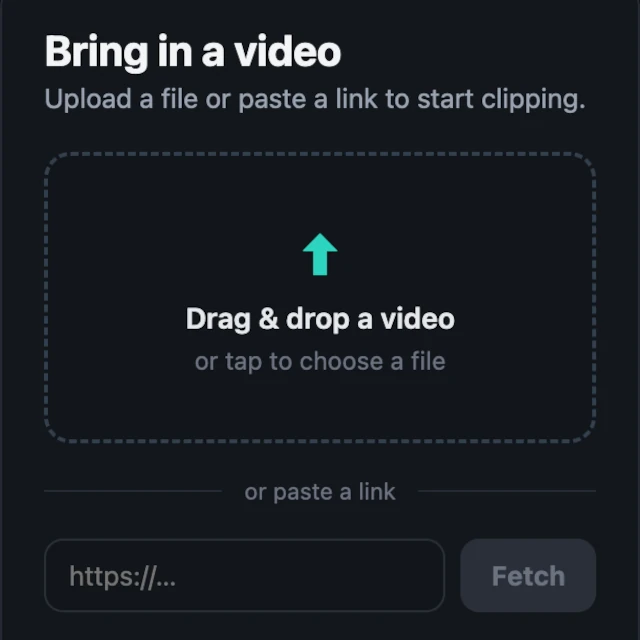
Upload it, or paste a link and we fetch it for you.
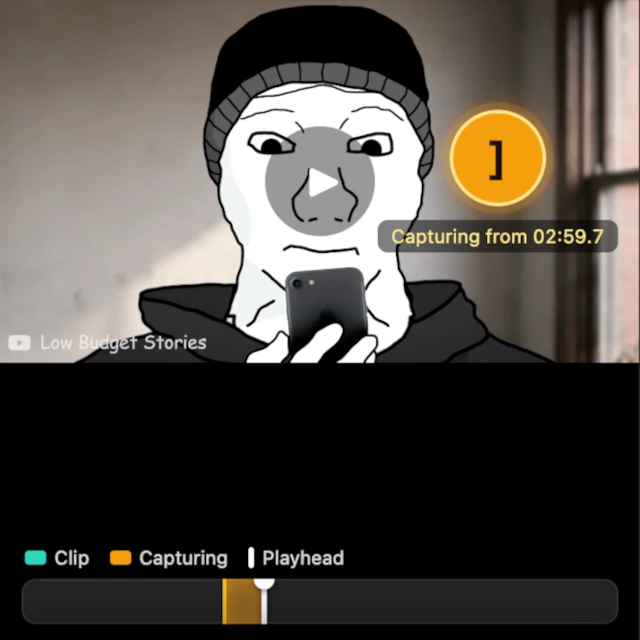
Watch, tap to start, tap to end. That’s a clip.
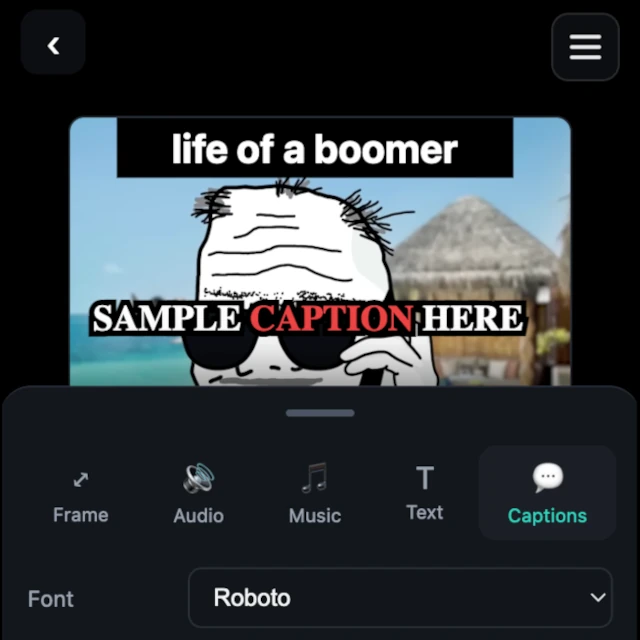
Vertical, captioned, quality preserved. Download and post.
What you can do
Grab the moment from anything.
Drag & pinch to frame for TikTok, Reels, Shorts.
Burned in, generated from the audio.
Styled text, drag to place, drag edges to size.
Upload one, or pull it from a link.
Stitch different videos into one.
Turn images into a quick vertical.
Why uClip is different
If a step can disappear, it’s gone.
Speed isn’t a feature here — it’s the point.
Simple to use, powerful in what it lets you make.
Room to use it in ways we didn’t plan.
It does the work and hands you a file. You never fight it.
No watermark. Not even on free.
The machine (and the human)
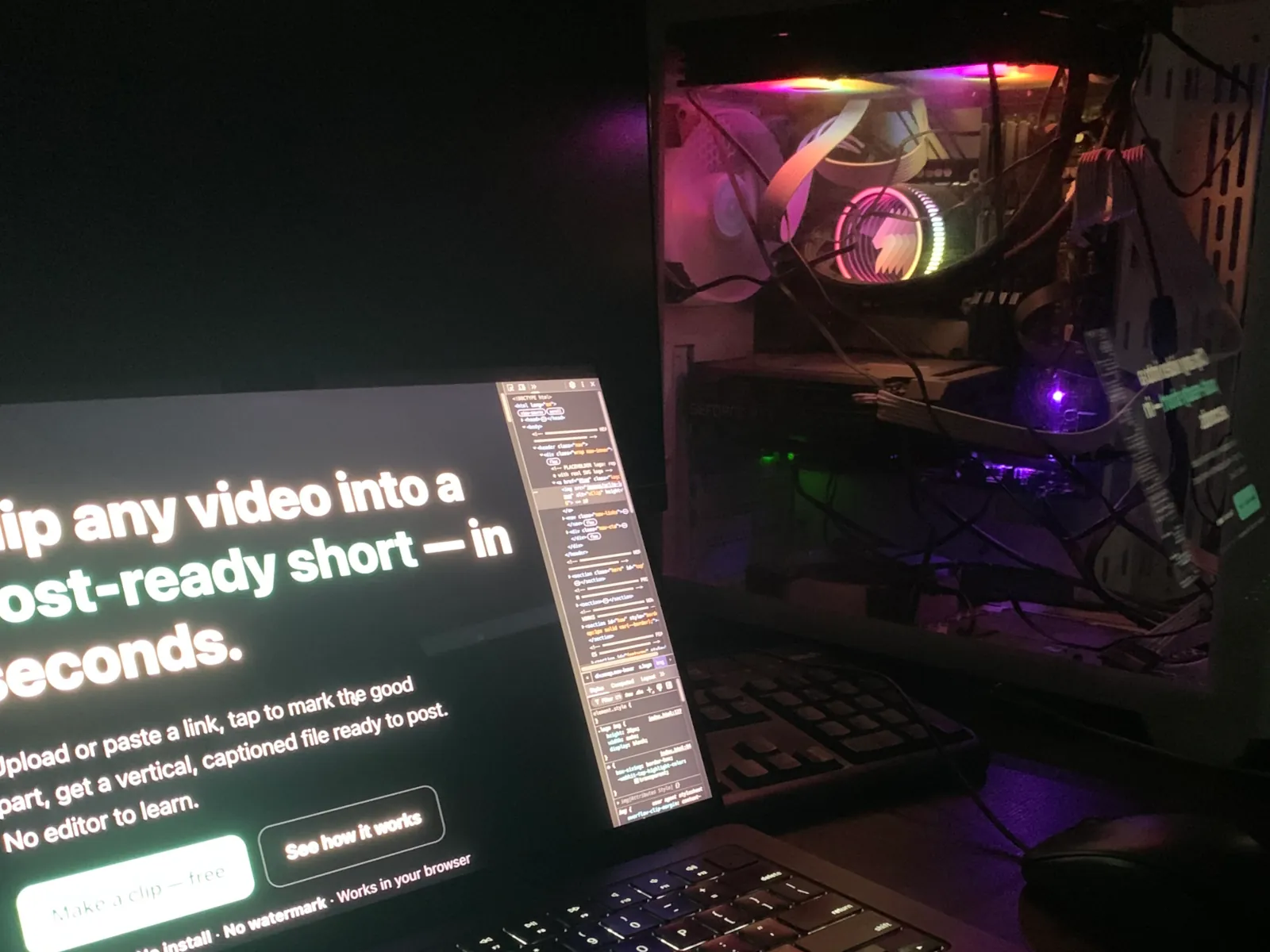
“uClip runs on a single GPU in my home — an RTX in a box I built. That’s why free renders sometimes wait in line, and why Pro skips ahead. Go Pro and you’re not paying a company — you’re keeping my server humming and this thing independent.”
Your renders are files you download and own. Your projects are saved. It’s one machine — occasionally it rests.
Pricing
Have a partner code? Redeem it.
FAQ
No — start clipping instantly, no signup required. Make an account only if you want your work saved across devices.
No. uClip runs in your browser, on your phone or desktop.
Yes. All features are usable for free, and there’s no watermark on your exports.
No. Only the optional Pro tier is paid, in Bitcoin. Everything else needs no crypto at all.
Vertical short-form: TikTok, Instagram Reels and YouTube Shorts.
Yes — paste a link and uClip fetches the video so you can clip it.
They’re generated automatically from the audio and burned in, karaoke-style — no typing.
Your work stays yours; renders are files you download and keep.
uClip runs on a single home GPU. Free renders queue when it’s busy; Pro skips the line.
Got an audience or a project? Reach out and let’s talk partnership.
uClip: for people who’d rather make ten quick videos than master one slow editor.
Make a clip — free